A social media scheduler connected to your video.
Prepare the caption, thumbnail, and destination for each platform without rebuilding the same post from scratch.
7 days free. Cancel anytime.
Interactive publishing demonstration using sample content. No posts are sent.
One video. Three destinations.
One idea. Your phone. Sixty seconds. Here’s how I finally started. #creatortips
The camera wasn’t holding me back. Waiting to feel ready was. Save this for your first take. #startcreating
POV: you stop researching cameras and finally hit record. Your phone is enough. #firstvideo
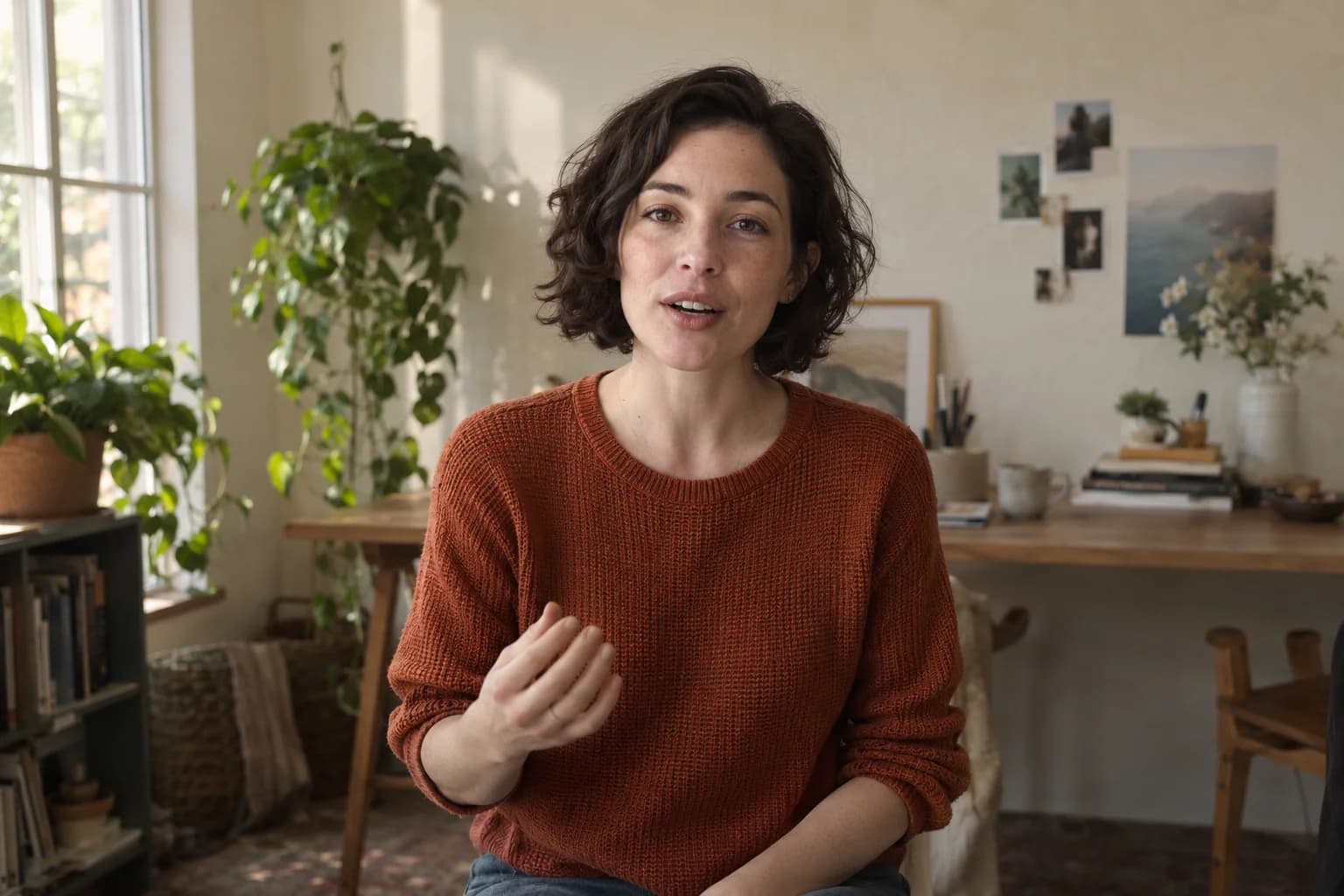 Your new cover
YouTube · Instagram · TikTok
Give each destination the right version.
Start with the finished video, then review the cover, caption, and account for each destination. Keep preparation and delivery status together so a draft, a scheduled delivery, and a published post stay distinct.
- Platform-specific post preparation
- Thumbnail selection
- Connected social accounts
- Cross-post automation controls
How it works
Choose the cut
Pick the finished take from your content library.
Prepare each post
Set the caption, thumbnail, and platform details.
Send it out
Publish now or place it into your posting plan.
A few useful details
Does putting a video on the calendar publish it?
No. A planning date is different from an armed publishing schedule. Scheduling requires reviewed destinations and an enabled publishing service.
Can I customize each platform’s post?
Studio’s publishing workflow supports preparing destination-specific details. Exact options and available delivery methods depend on the connected platform.
See how it all fits together.
Connect this step to the rest of your content creation workflow.
Make your next video in Yapper Studio.
Every tool, 30 credits to try the AI, and 7 days before your first payment. Cancel anytime.